

Ship with confidence. Not fingers crossed.
The comprehensive quality control system for your localization. Combine automated code checks with professional linguistic grading (LQA) to ensure every string is perfect before release.
The gap between manual proofreading and automated validation
Manual checks miss critical errors
Broken Builds
One missing %s placeholder can crash your application.
UI Failures
Button width limits are invisible to translators, so layouts break.
Inconsistent Voice
Different translators ship "Sign In" and "Log In" interchangeably.
Automated safety nets
Code Validation
Blocks translations that break syntax (ICU, XML, placeholders).
Length Limits
Define character caps per string; translators see instant warnings.
Glossary Enforcement
Terms stay highlighted in the editor for consistent branding.
Catch errors while they are being typed
Crowdin runs automatic checks in the background. Configure them as soft Warnings or hard Errors.
Tag & Variable Mismatch
Keeps <link> tags and variables like {user_name} intact.
Spelling & Grammar
Built-in spell check for 40+ languages while translators type.
Punctuation & Case
Catches mismatched punctuation and missing capitalization.
Professional Grading with LQA
Go beyond spell check. Use the Linguistic Quality Assurance App to measure translation quality with MQM, LISA, and SAE J2450 standards.
Error Categorization
Tag issues by type (Accuracy, Fluency, Terminology) and severity ("Minor", "Critical").
Pass/Fail Metrics
Set tolerance like "No more than 2 minor errors per 1,000 words" and auto-route failures.
Arbitration
Built-in dispute flow so translators can challenge grades and keep reviews fair.
A workflow that guarantees quality
Překlad
Linguist works with real-time QA checks (length, spelling).
korektura
Second linguist reviews and fixes issues.
LQA (Optional)
QA specialist grades samples for systemic problems.
Aktualizováno
Only approved, validated text syncs to your repo.
Context is the best Quality Assurance
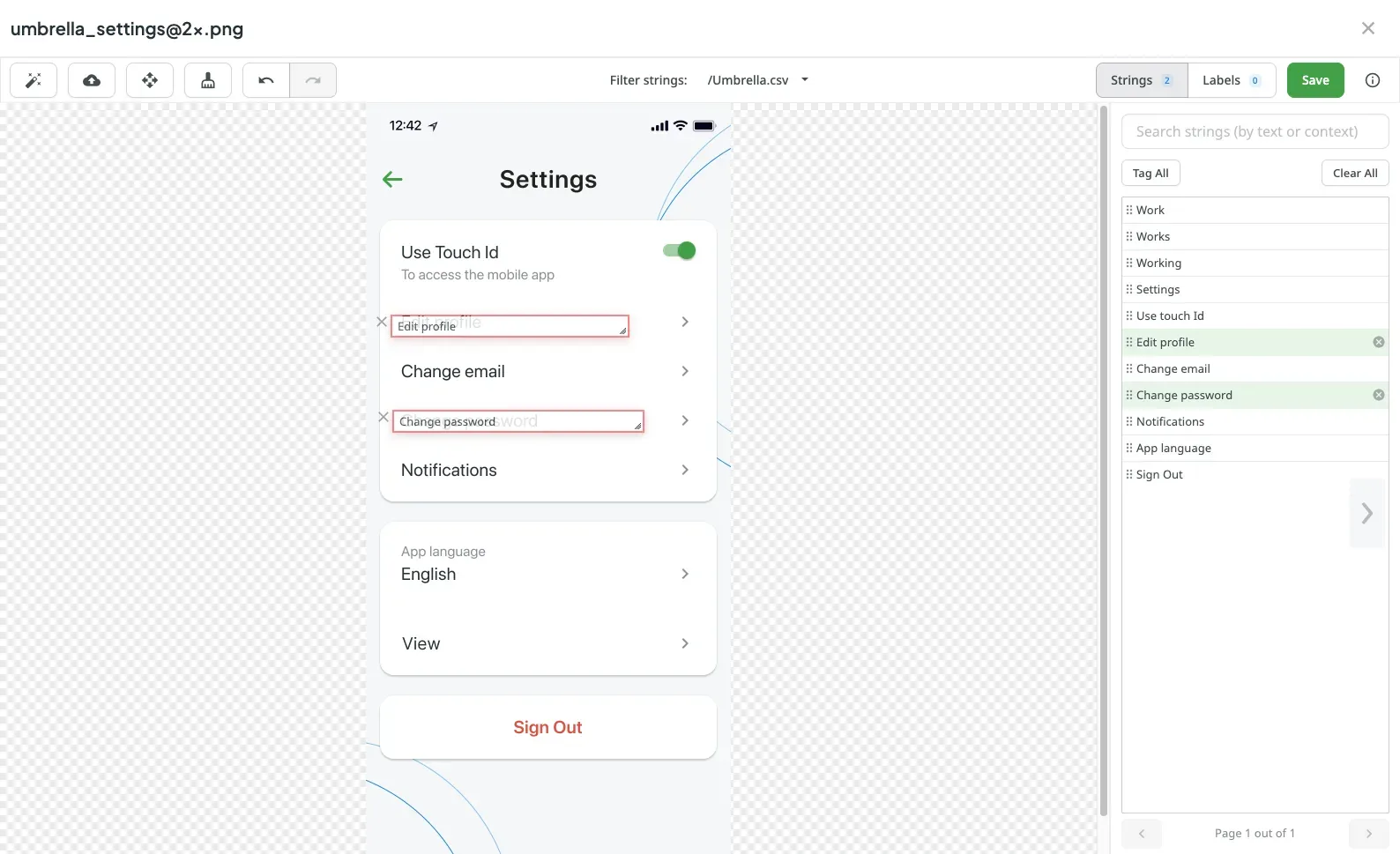
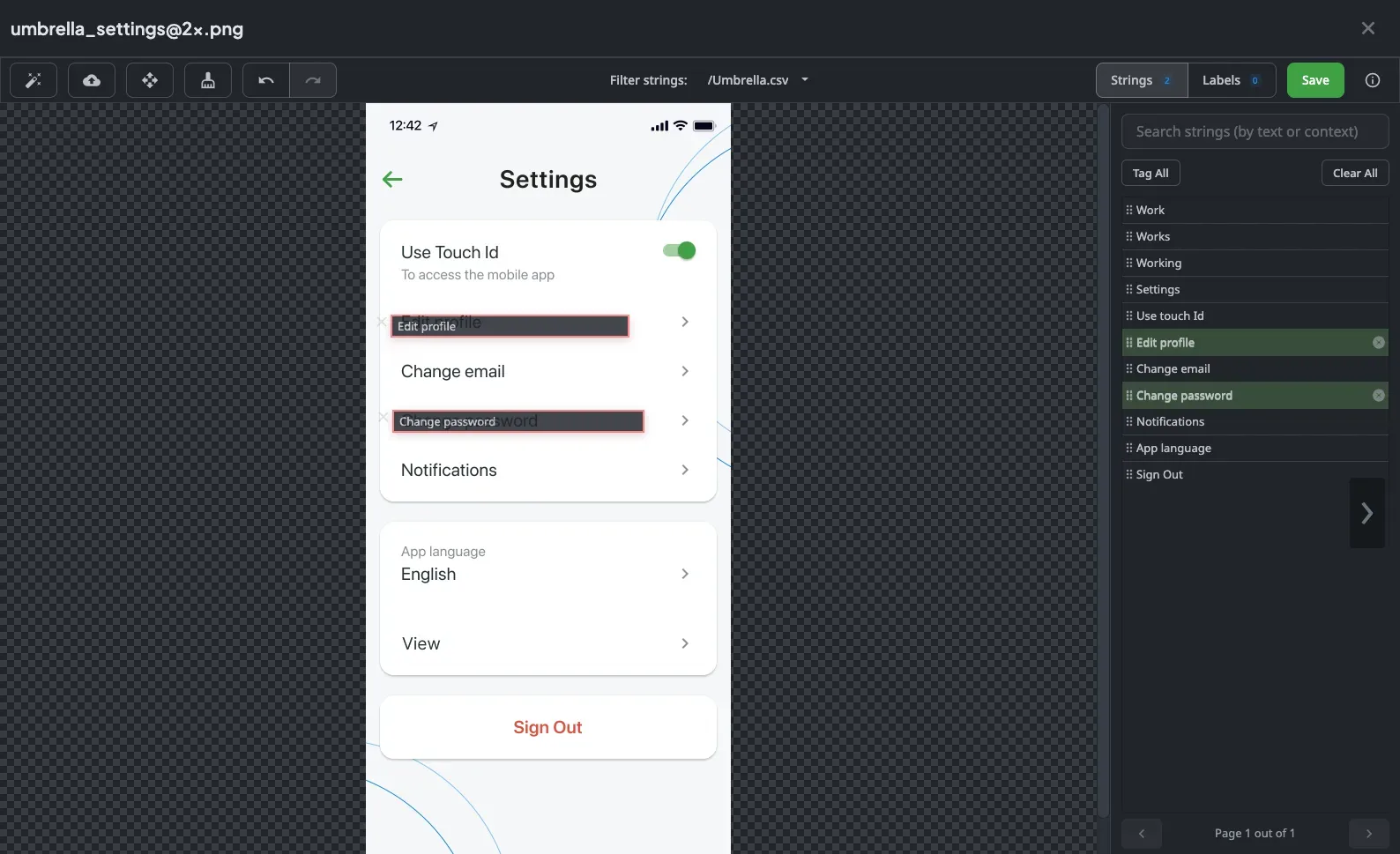
The best way to prevent errors is to show translators the screen.
In-Context Preview
See text rendered on the live web application.
Snímky obrazovky
Reference tagged images directly inside the editor.
Sběr kontextu
Harvest context automatically from your code, design, and assets so translators deliver meaning, not guesses.
Track quality over time
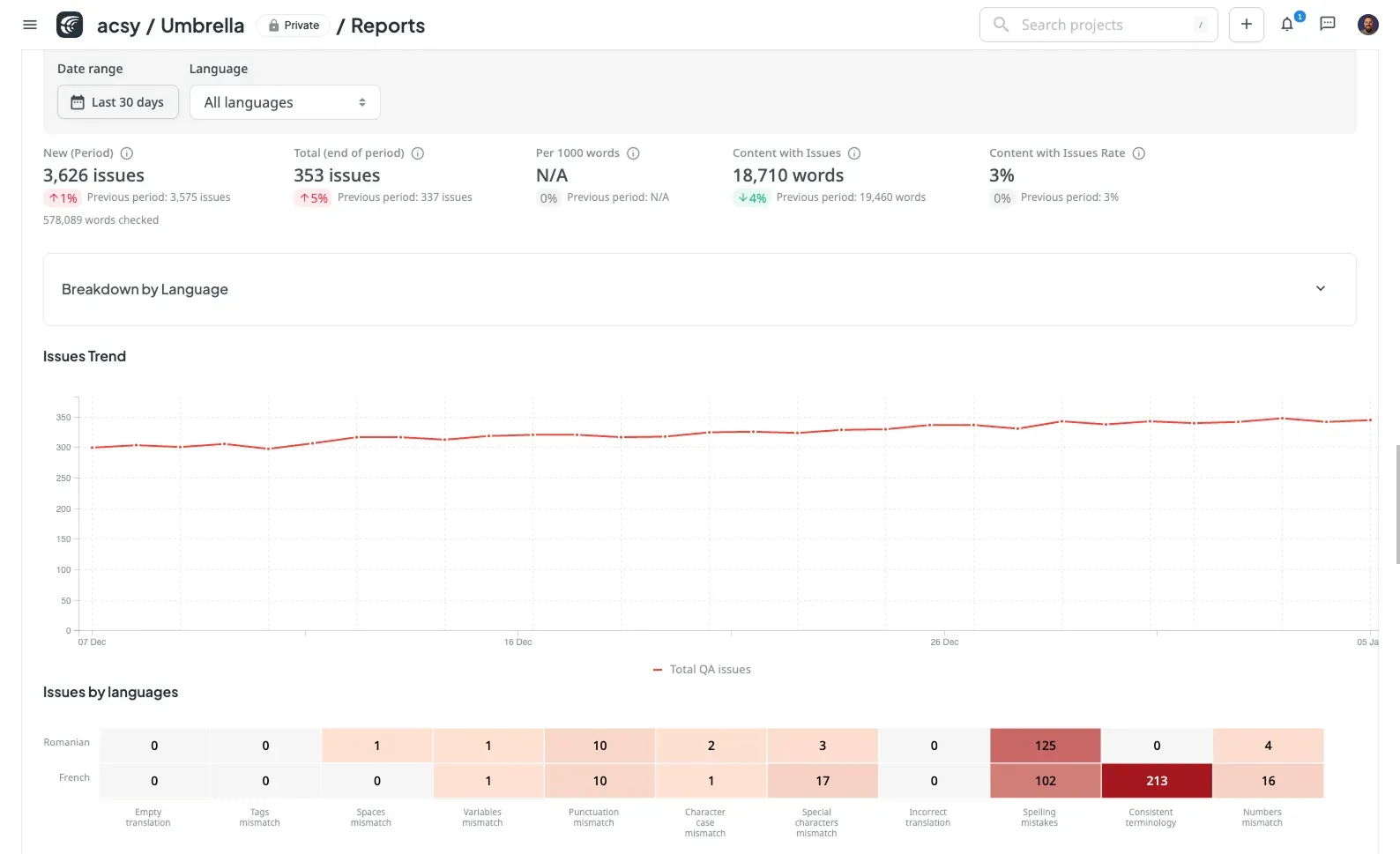
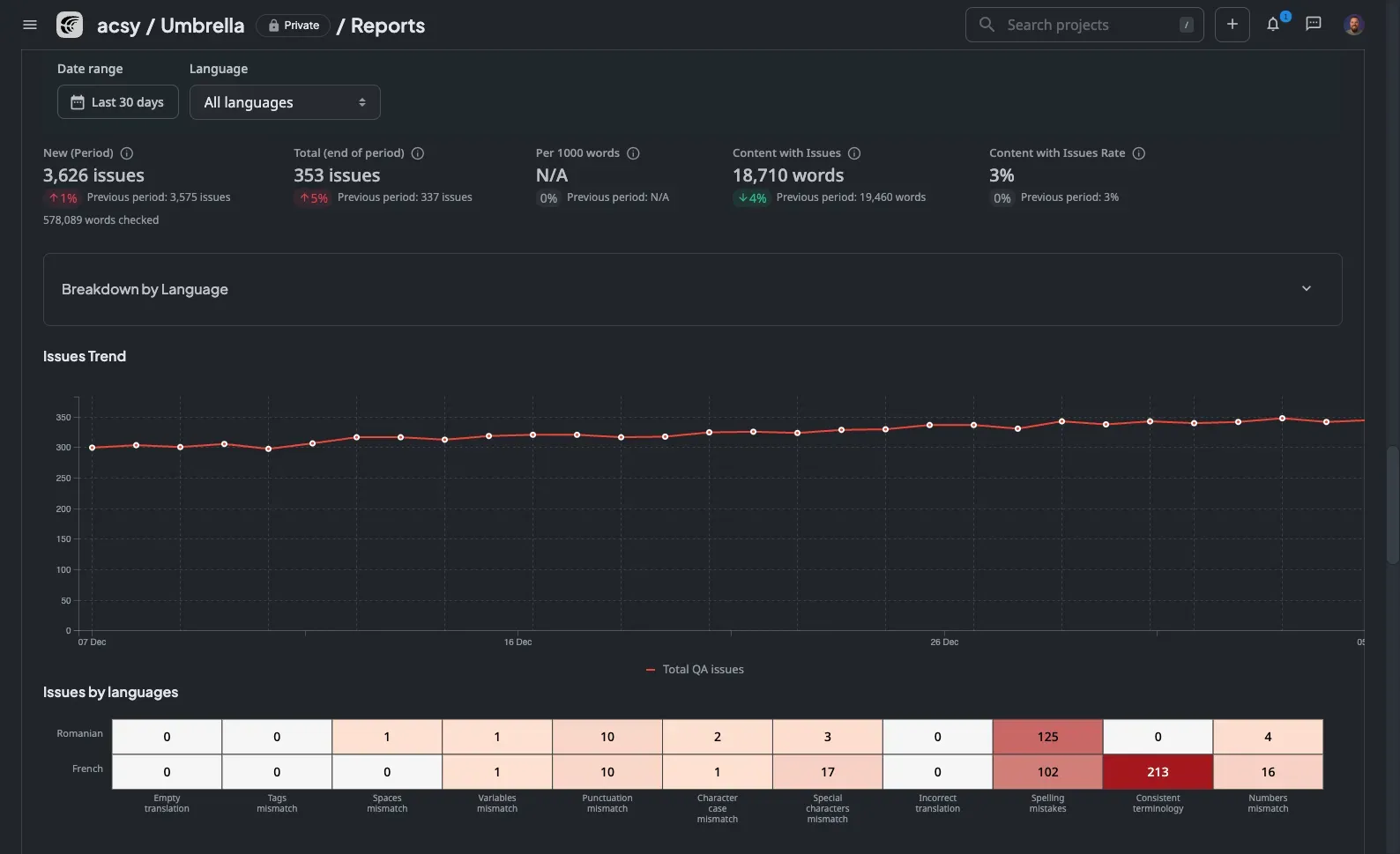
Don't just fix errors; learn from them.
LQA Reports
See which languages or translators carry the highest error rates.
Correction Logs
Track how many strings change during proofreading to spot weak spots.
Your product, company, and processes – secured
Enterprise-grade security with ISO 27001, GDPR, and HIPAA compliance.

Stop fixing bugs in production
Automate your quality control today